Credential Validation for Your Workstation
MozaicID MET & MET-FP
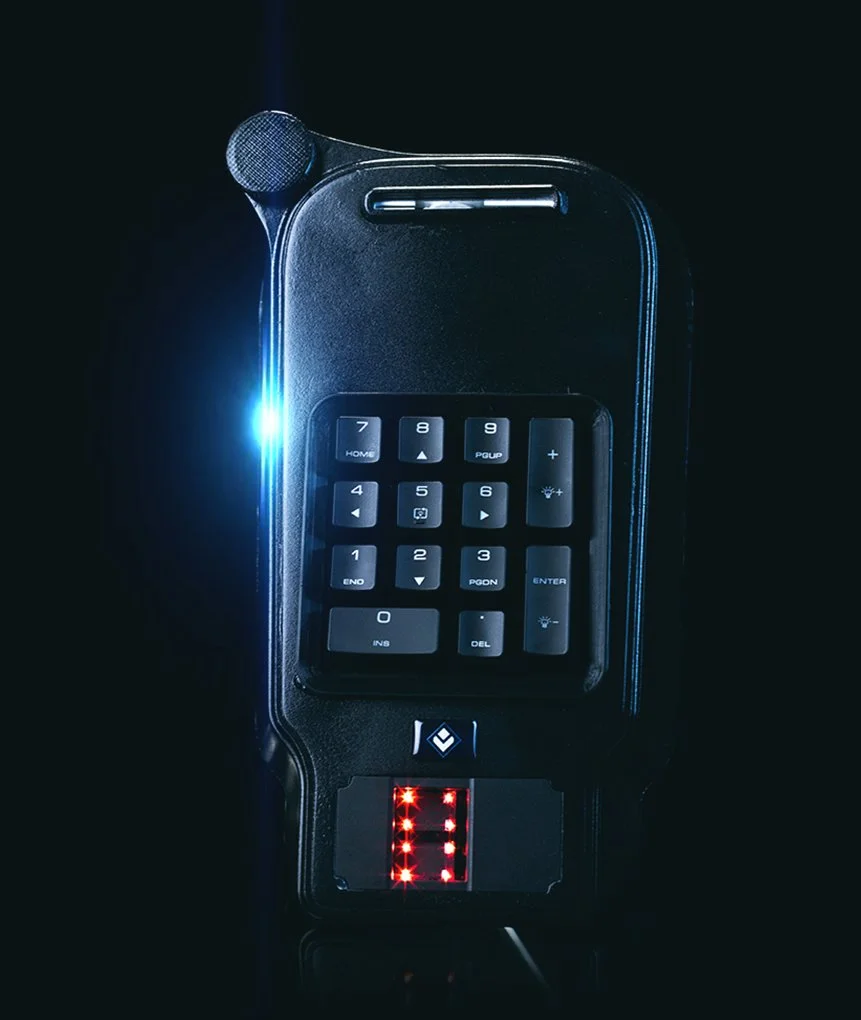
PC-based TWIC and biometric validation tool. Validate TWIC, CAC, PIV, PIV-I, and other government-issued smart cards, plus the cardholder's fingerprint, using a USB fingerprint card reader connected to a licensed PC. The MET and MET-FP also output the credential's data fields for use in physical access control system (PACS) enrollment and other requirements.
PIN not required when validating TWIC
Not sure what your facility needs? Take our 5-question, 60-second Facility Security Assessment for a tailored recommendation.
No PIN required
Validate TWIC without the cardholder PIN
All government smart cards
TWIC, CAC, PIV, and PIV-I
Biometric match
Cardholder fingerprint verification
Local records
File saved on the licensed PC
Two Devices, One Workstation Solution
Choose the device that fits your desk. Both validate all government-issued smart cards and the cardholder biometric on a licensed PC.
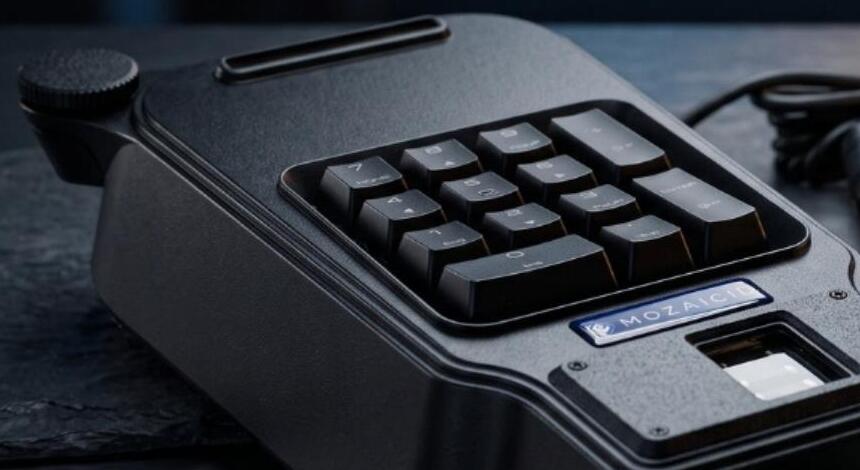
MozaicID MET
Desktop terminal with keypad, card slot, and built-in fingerprint sensor.
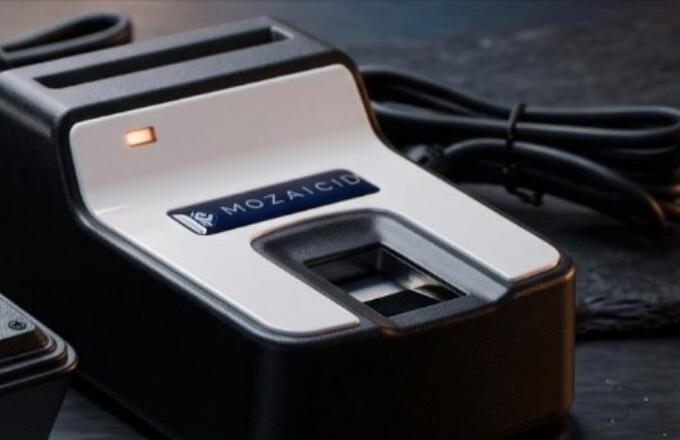
MozaicID MET-FP
Compact fingerprint card reader that connects to your PC over USB.

PC-Based TWIC & Biometric Validation
Validate the card and the cardholder at your workstation, with no PIN entry required for TWIC.
PIN Not Required for TWIC
Validate a TWIC without asking the cardholder for their PIN, so checks keep moving at the desk.
Validates TWIC, CAC, PIV, and PIV-I
Validate TWIC, CAC, PIV, PIV-I, and other government-issued smart cards at one workstation.
Validates TWIC Authenticity
Confirms the TWIC card is genuine, along with CAC, PIV, PIV-I, and other government-issued smart cards.
Verifies Cardholder Biometric
Matches the cardholder's fingerprint against the credential.
MozaicID Approved USB Fingerprint Card Reader
Plugs into a licensed PC over USB. No dedicated infrastructure required.
Credential Data Output
Outputs the credential's data fields for PACS enrollment and other requirements.
Records Saved Locally
Scans are stored locally on the PC the solution runs on.
Built for Your Workstation
A simple desktop setup: a licensed PC, a USB fingerprint card reader, and records saved locally.
- Setup
- Runs on a licensed PC with a USB fingerprint card reader
- Credential types
- All government-issued smart cards, including TWIC, CAC, PIV, and PIV-I
- PIN
- PIN not required when validating TWIC
- Recordkeeping
- Scans are stored locally on the PC running the solution
Where MET & MET-FP Work




Enrollment that fits your existing systems
One workstation for TWIC, CAC, PIV, PIV-I, and other government-issued smart cards, with scans stored locally on the PC running the solution.
TWIC, CAC, PIV, and PIV-I handled in a single unit instead of separate stations.
Scans are stored locally on the PC the solution operates from.
Current and legacy credential types run through the same controlled process.

Secure Your Facility with Confidence
Whether you're implementing TWIC verification for the first time or upgrading your existing access control system, our team can help you find the right solution.
Not sure what your facility needs? Take our 5-question, 60-second Facility Security Assessment for a tailored recommendation.